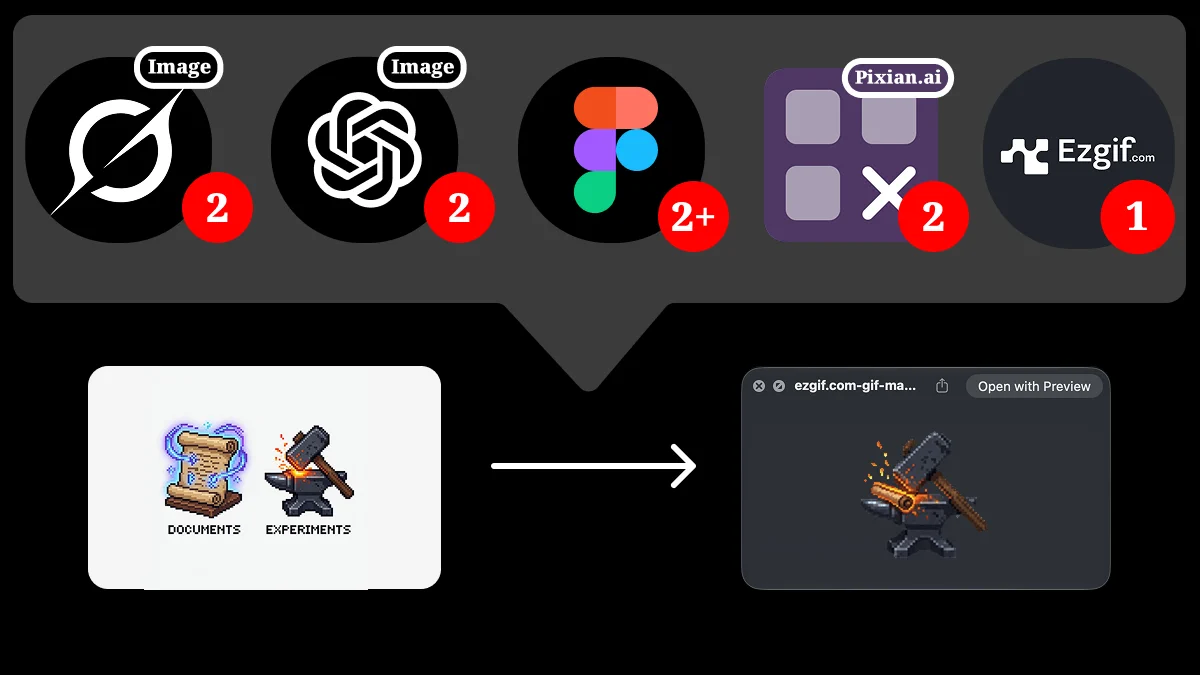
What does pixel sprite sheet cleanup look like without AI-assisted tools?
TL;DR
One-click tools already target pixel-style character animation frames and sprite sheets. To see how the call chain lines up end to end, the same job was run with familiar general tools: reference-driven generation, background removal, align-and-export, GIF preview, and a final sprite sheet. The steps below record that path and name the friction.
Related discussion and products
Searching Reddit for terms like “pixel art character sprite sheet generator” turns up posts such as:
I built a tool for pixel style sprite sheet…
Another product in the same space: SpriteCook.
These tools fill a high-frequency scheduling gap in AI generation pipelines: packaging “character + action → usable frames / sheet.” Over time, more specialized end-to-end services may absorb more of that demand.
To expose the chain itself, the walkthrough below uses general tools instead of a single one-click product.
Tools used in the test
| Tool | Role |
|---|---|
| Grok Image | Fast generation; several directions available in a short time |
| GPT Image 2 | Slower; steadier quality when keywords or references are right |
| Pixian.ai | Background removal; higher tiers handle larger cutouts more completely |
| Figma | Crop, align, name, and keep a visual record of the chain |
Walkthrough order
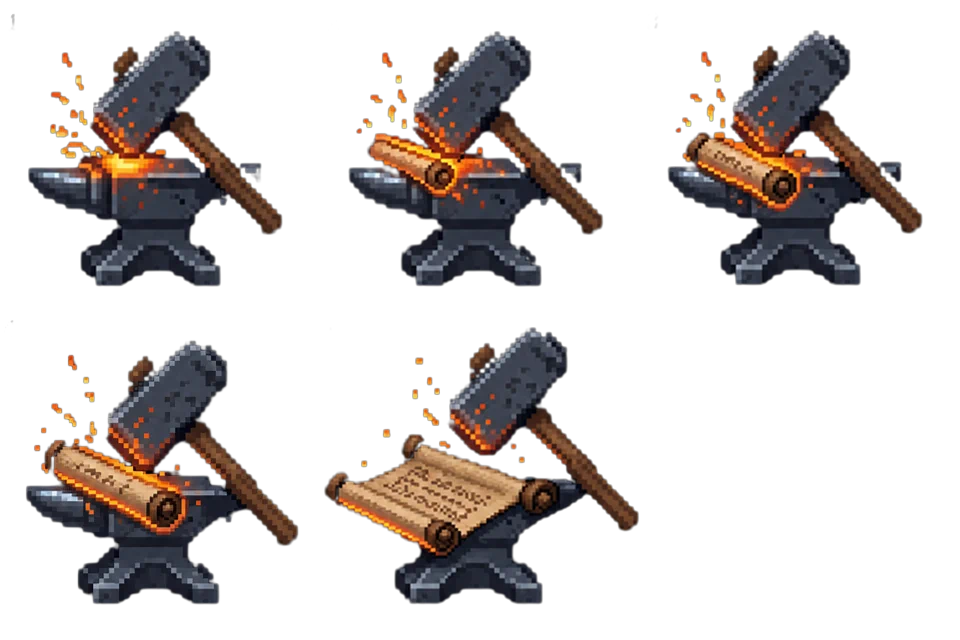
Across the chain, tool calls were roughly: Grok Image ×2, GPT Image 2 ×2, Figma ×2+, Pixian.ai ×2, Ezgif ×1 (about nine switches in total). The title image shows the path from two static icon ideas to an Ezgif-previewable GIF. Landing a previewable animation from the idea takes a long time, with rework and abandoned paths in between.
1. Grok Image: reference + prompt for a pixel-style source
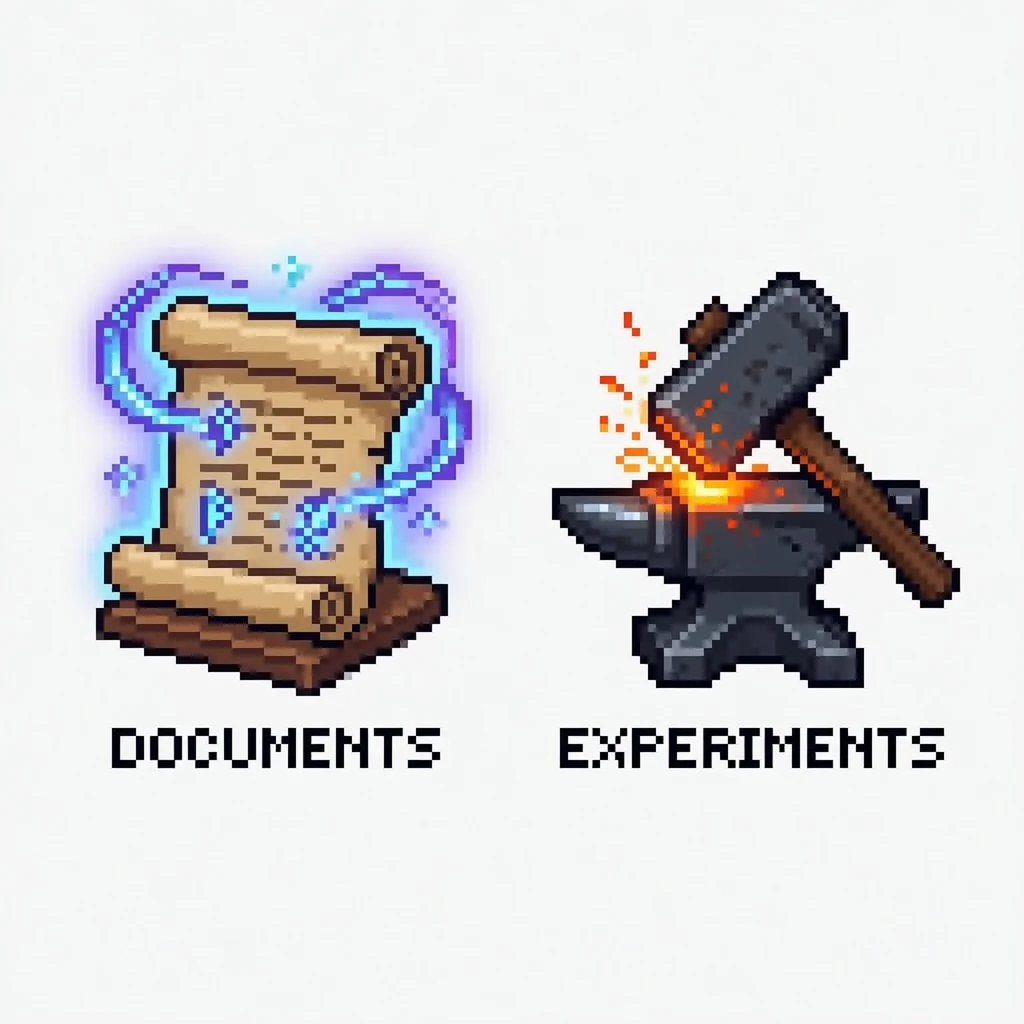
Generate a pixel-style source from a reference and prompt:
Two icons share the same style—one for “Documents” and the other for “Experiments”—and both employ a gamified aesthetic. The “Documents” icon depicts a scroll shimmering with magical trails of light, while the “Experiments” icon features a weapon-forging tool, symbolizing a resource honed through the fires of experience.
2. Figma: crop to a single small image
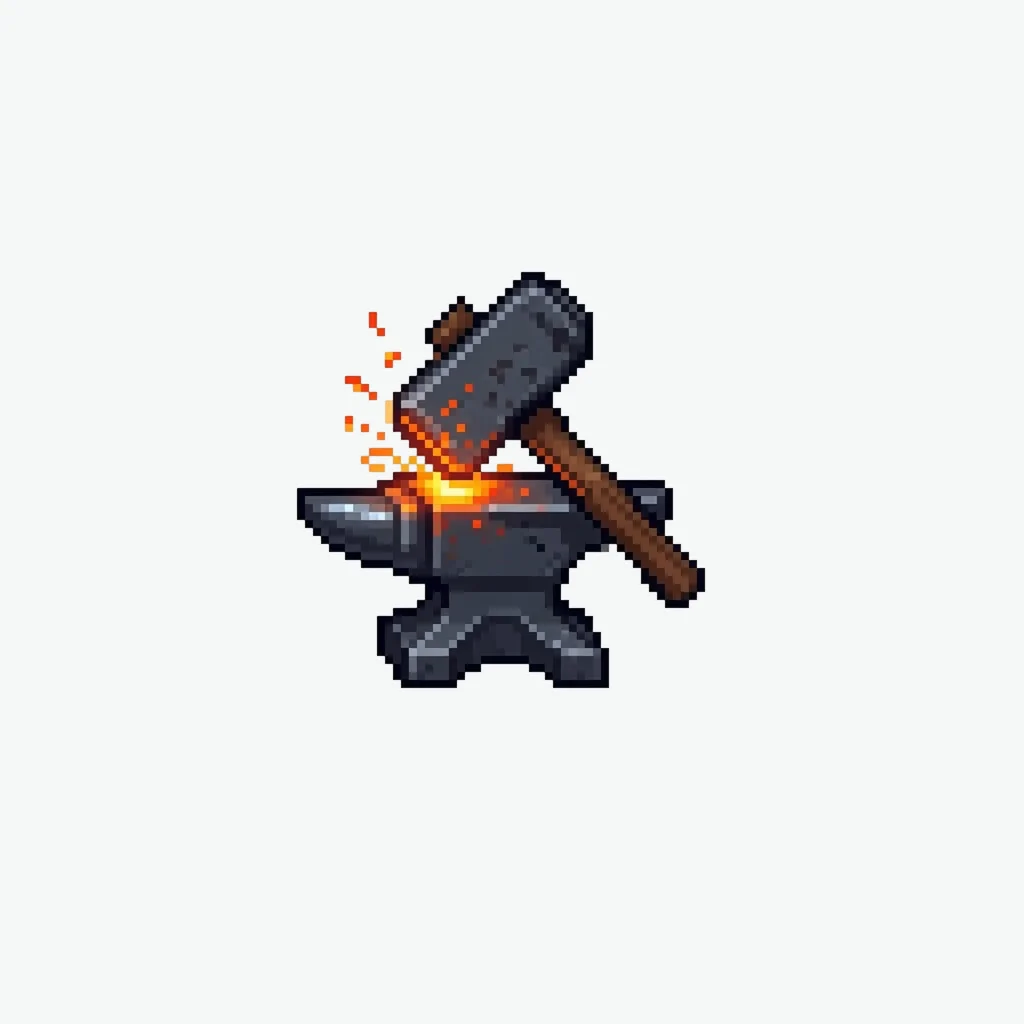
In Figma, crop the target icon to a single small image for the sequence-generation step.
3. GPT Image 2: generate sequence frames
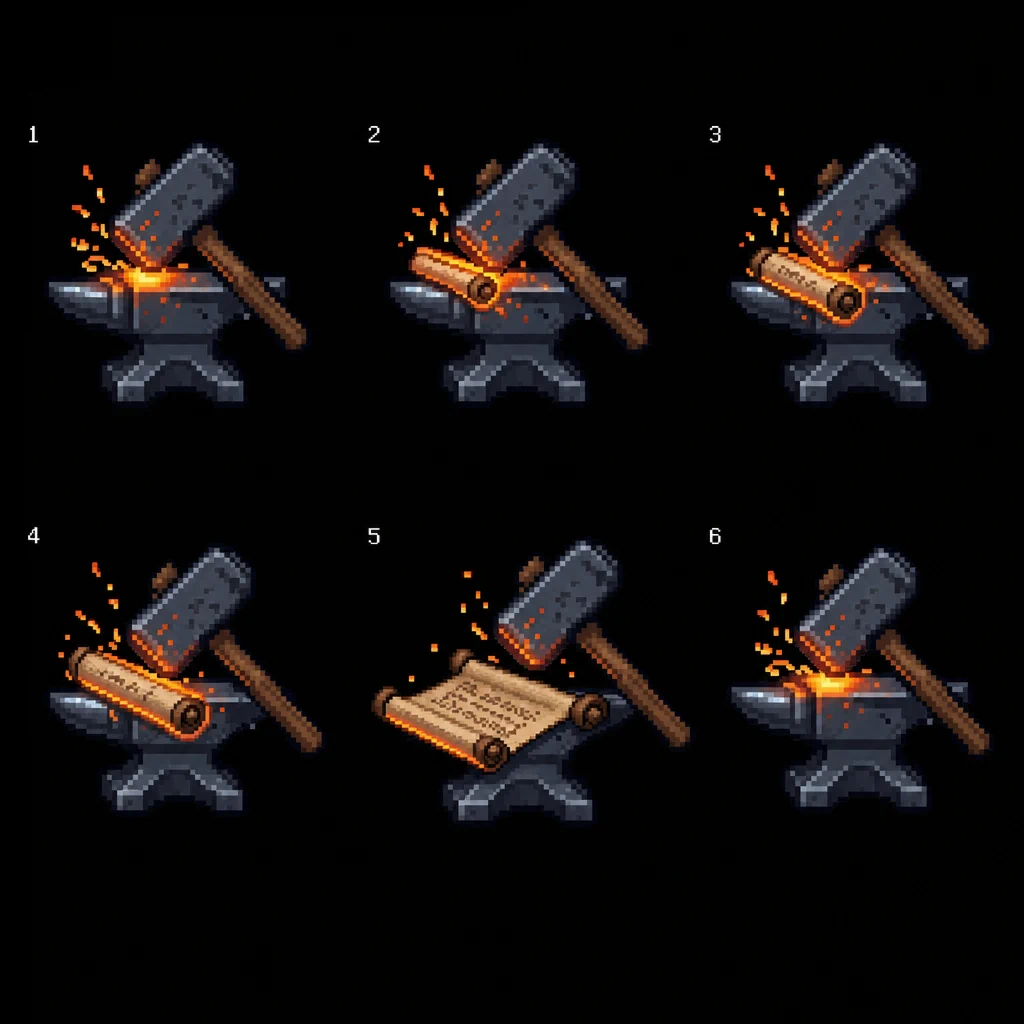
GPT Image 2 produces the sequence frames. A bad prompt constraint (requiring matching first and last frames) left only about five usable frames; the black matte is the model output.
4. Pixian: remove the background
Remove backgrounds from the sequence frames.
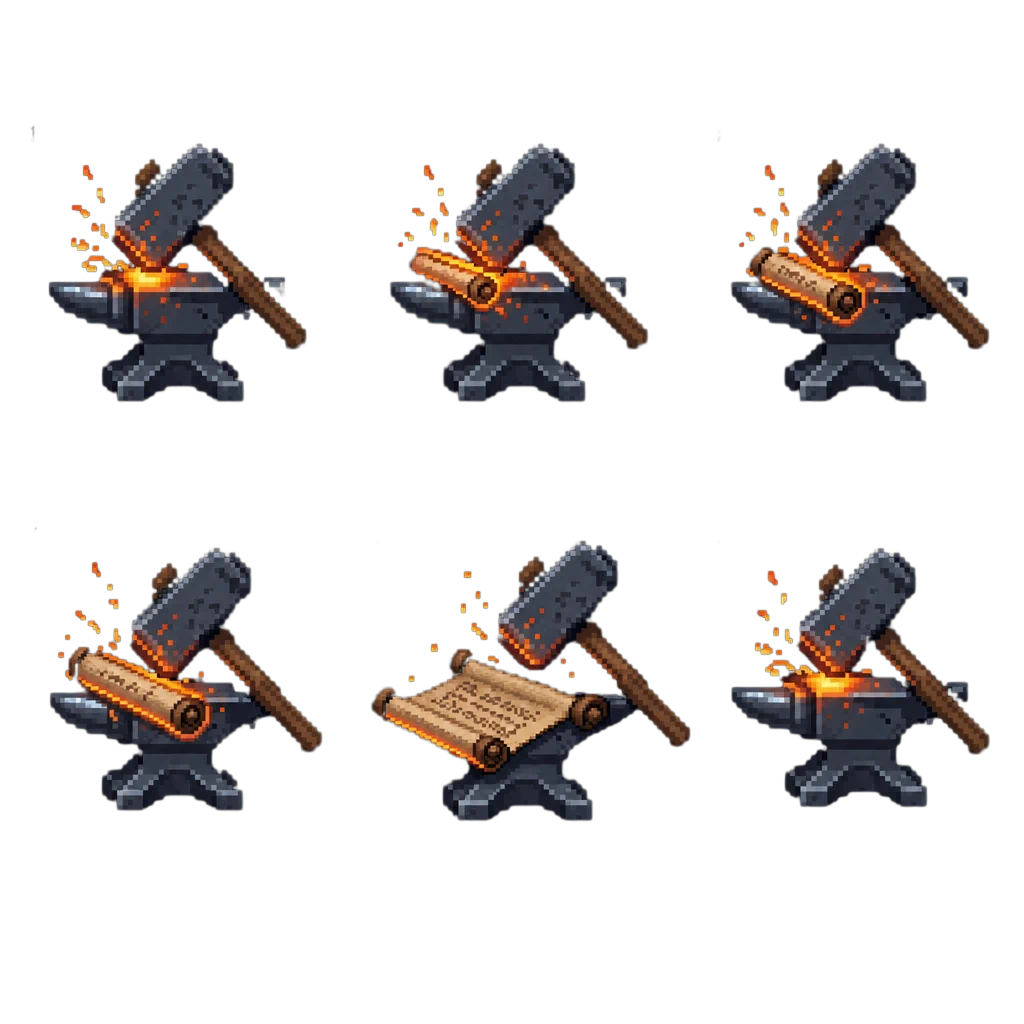
5. Figma: per-frame align, name, and export
Align frames vertically, keep motion amplitude consistent, name them in order, and export. This is the highest manual-cost stretch in the chain.
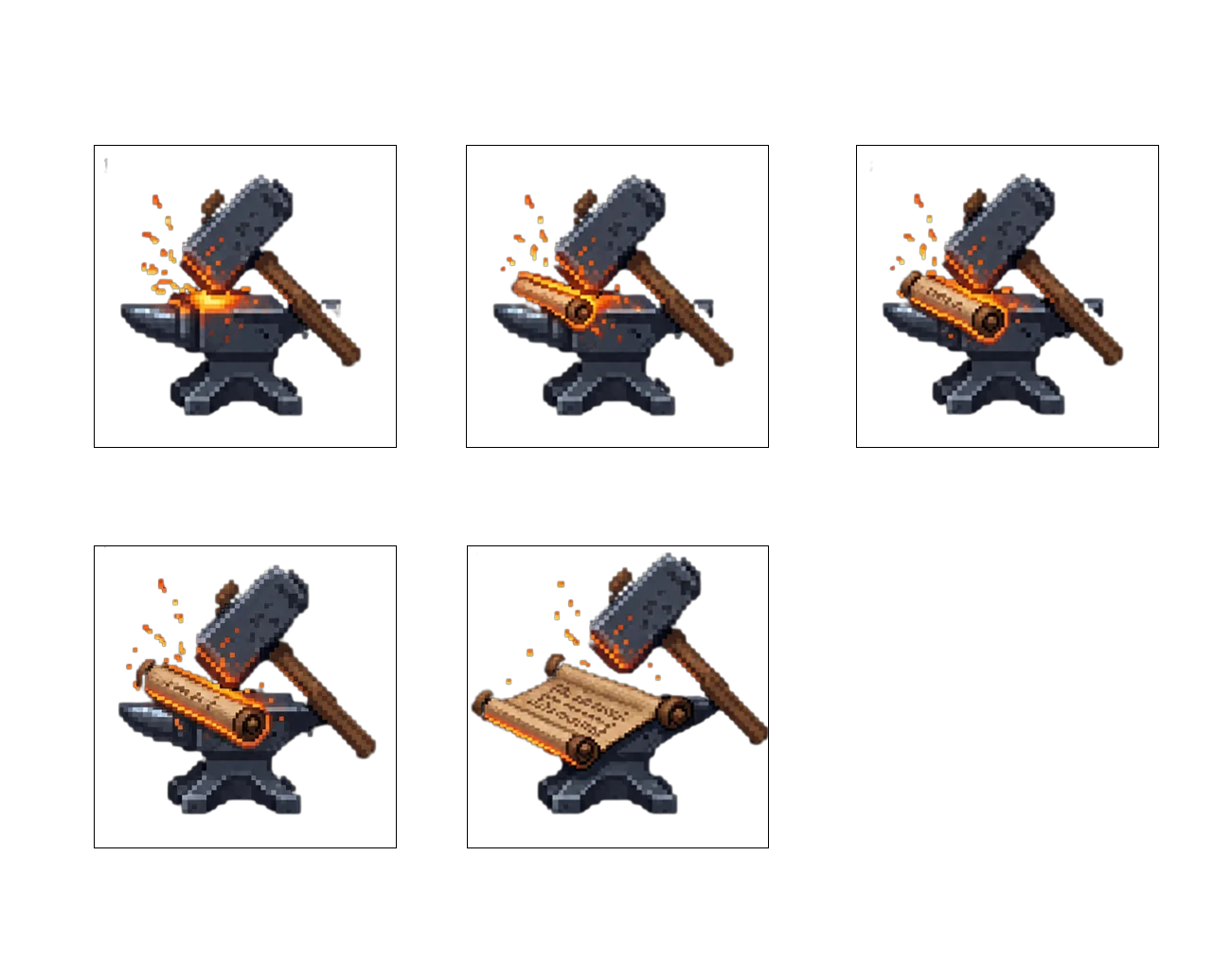
6. ChatGPT in-chat generation test
A direct in-chat animation test looked poor; that path was dropped.
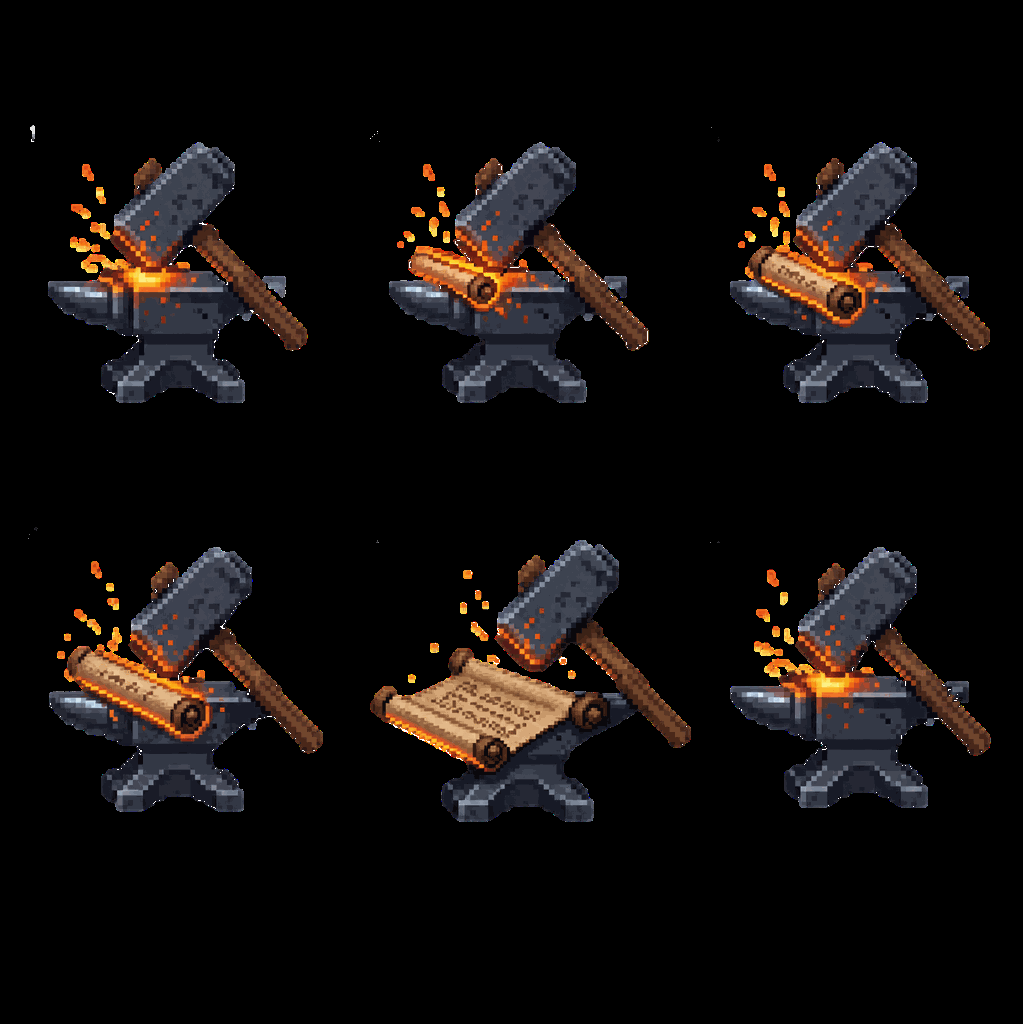
7. Ezgif: pack frames into a transparent GIF
Compose frames in Ezgif into a transparent GIF for site or local motion preview.
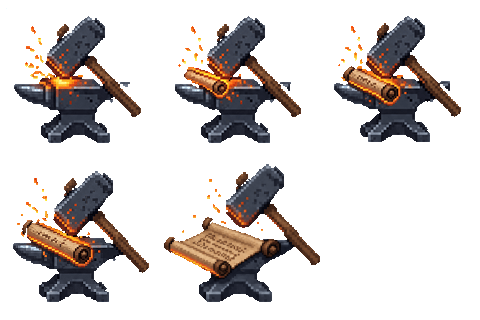
8. Engine target: sequenced sprite sheet
Engines such as Godot more often want one laid-out sequence sprite sheet (transparent PNG / WebP).
Friction points
Friction 1: Step 5 alignment is costly and unstable
The weakest link is step 5: manual object alignment and clamping motion jumps. Inter-frame consistency from AI sequence generation is hard to predict, so this stage adds uncertainty and rework.
Friction 2: Clean cutouts and iterable preview are prerequisites
The workflow depends on two preconditions:
- Background removal clean enough to trust
- Fast GIF / animation preview so regeneration or tweaks can follow
Without either, later alignment and engine handoff keep stalling.
Contrast: mainstream product shape
More stable character sprite sequence paths usually pair generation with skeleton / binding checks: after action constraints are set, frame guarantees tend to beat “prompt for many frames, then hand-tune.”
One-click tools (see services below) fold scheduling, cutout, alignment, and preview into a product. A general-tool chain makes each friction step visible.