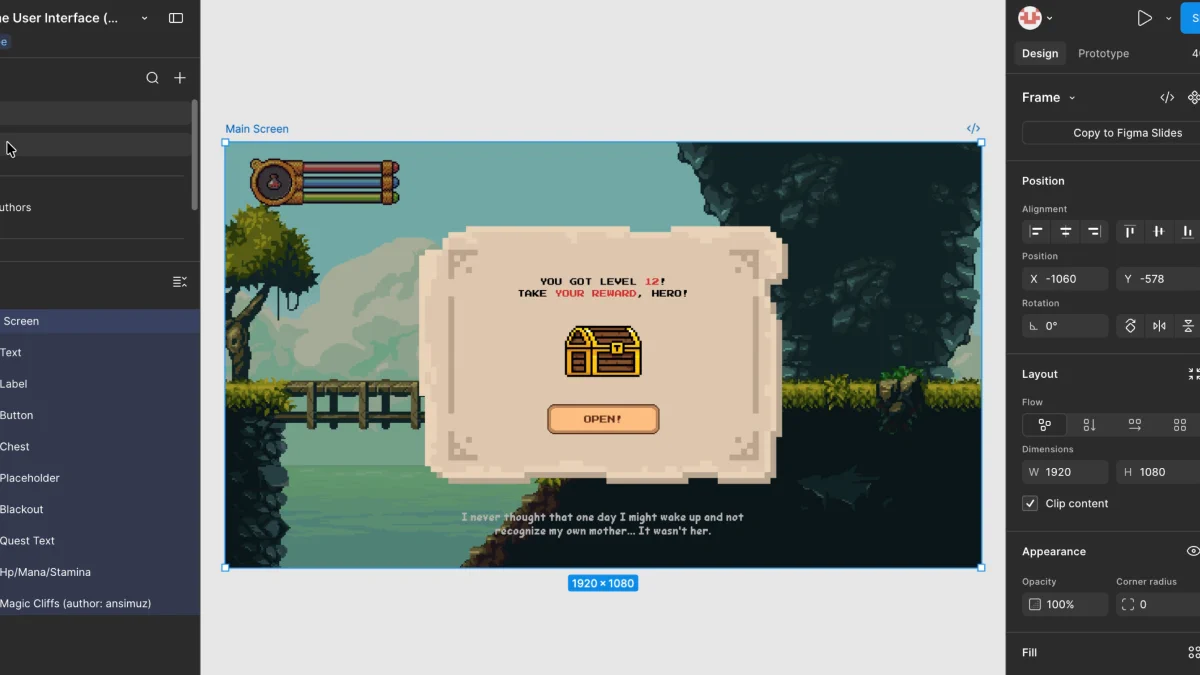
Exporting Figma designs to Godot: post-processing after Figma and Cursor
TL;DR
Figma and Cursor cover drawing and code. Design-file post-processing still needs automatic layer export, engine-style renaming, and save-into-the-project-folder. Figma does not ship a game-engine structured export. VberAI Studio fills that gap, so it is used here as a hop between the design file and Godot.
The post-processing gap
Figma + Cursor as a base stack still leaves design-file post-processing unfinished. A single PNG export is too thin. What is needed is an engineered export an AI IDE can read: layers kept, names aligned, files saved in directories the engine already uses.
MCP can sync some project data so the AI tool sees current scene and script context. MCP does not batch-automate structured storage and sync of art assets across engines. That step still belongs to the design tool.
In May 2025 the same question showed up on Latenode: Exporting Figma designs to Godot: Current status?. The common path then was slice export, then rebuild the UI in Godot. In May 2026 Figma shipped an in-canvas Agent (Fast Company), which makes generating and editing layers easier. That Agent does not, by itself, answer how a file enters a Godot project. Several shapes can coexist: MCP to keep development and scene context in sync; a design tool to keep art moving and to export, at any time, in engine folder layout.
The .fig path is written up in Figma to Godot. PSD/PSB import is a separate pass: PSD to Godot. A few snags showed up. PSD import in VberAI Studio still has incomplete vector-layer support. The same file through Import Project as .fig has less friction, and vectors survive export more completely. That flow is in this video:
Import Project: .fig into Studio, then export to Godot
The Studio UI also underplays the Figma import entry, so Import Project on the projects page is easy to miss. Feedback on that entry point has already been sent.
Takeaway
- When the export should stay aligned with the source art file and sync into a dev folder in one pass, VberAI Studio is a workable option. Paired with the matching MCP (for example Godot MCP), the game-dev path has one less round of manual file sorting.
- If Figma adds vertical export later, it likely needs per-scene work. Game production leans on batch generate-and-replace; a generic PNG export does not cover that.