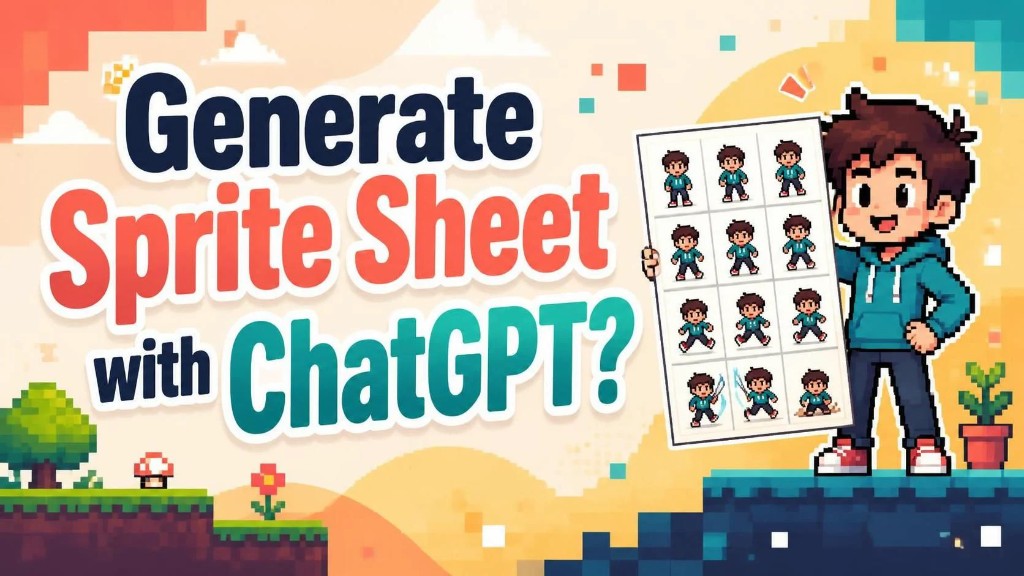
Is ChatGPT Image 2.5 Sunburst a Good Fit for Sprite Sheets?
TL;DR
A common first move is to ask ChatGPT Images 2.5 for a ChatGPT sprite sheet. Sunburst is the API variant aimed at tighter edits. On the OpenAI developer forum, the thread Developing sprite sheets with gpt-image-2 ran for months on one-shot grids and pose transfer. A later log from the same community, AI Game Studio Dev Log (by Platypus), laid out a flow that actually held:
- Generate a character reference with a GPT Image model (those tests were still on GPT-Image-2).
- Generate a 3–5 second action clip with MiniMax H3 Max.
- Extract frames with ffmpeg, then resize and realign so the sequence stays continuous.
- Keep editing the sheet in Aseprite, as sprite asset management.
- Use ElevenLabs for sound.
That sequence can be run. Sprite sheets need a harness that several tools can share as art context. A standalone ChatGPT session has no way to pass that context along, so it is a poor production path.
What held in that log
Pure image generation did not hold. A single PNG with rows and columns put too much pressure on one shot: smoothness and alignment between frames had to appear together. Conditioning the next frame on the previous image still drifted. Platypus’s reply in that sprite-sheet thread argued for a lighter “frame rollout.” A finished grid from one image-model pass still has to invent the whole sequence at once.
The working substitute was video, then frames. Character references came from a GPT Image model. A short action clip came from MiniMax H3 Max. Frames were cut, scaled, and recentered with ffmpeg. The sheet then went into Aseprite for touch-ups. Identity details still slipped: an ID badge vanished on some frames and had to be painted back. Transparency from GPT Image 2.5 did not remove chroma keying after the video step.
How to make ChatGPT Image sprites usable already separated the first bitmap from later maintenance. This log is the same split, written as a chain of tools that do not share one context.
Two later notes: views, and start/end frames
Two quality-of-life notes followed in the same log.
When generating a character, several aligned views of that character help. Side, front, and back become consistent references for sequences from other angles. Baseline alignment used to break; with GPT Image 2.5 that gap is largely gone. Front and back animations can still be grown from a side view only. Details then drift: an ID badge disappears, or hair color shifts. Extra reference frames keep identity across angles.
The second note is to condition start and end frames when generating animation. A looping idle needs the first frame and the last frame to meet. A turn north, then back to side view, needs the last frame to land on that same side view.
Those two notes make a short clip more likely to loop and stay on-model. The rest of the toolchain still has no shared asset record.
The layering approach discussed in the video comments
Videos of this exploration process are updated regularly, and a lot of discussion and opinion comes back. Under one video site, for example, this exchange showed up:
- Pointless. Seedream 5.0 Pro already supports image layering. That is one API call.
- Where is that Seedream layering supposed to be used?
- Follow this: open the DeepSeek site, download DeepSeek harness, register, get a key, then in the harness chat ask DeepSeek to build a small layering tool wired to ByteDance Seedream 5.0 Pro, and let it look up the API docs itself.
- There is a phrase for this: reinventing the wheel. The video is still how that method showed up in the comments.
A one-off layering script can split a plate. Using AI to generate sprite sheets already treated classification, structure, and metadata as later friction. One API call does not carry those.
Character sprites are a wider job than one script
Products such as SpriteCook already sit on character sprites and the image assets around them. That slice is wider than a ChatGPT grid, and wider than a Seedream layering script. The demand underneath still includes:
- Later maintenance of generated sprites: regenerate at original size, still aligned with the prompt.
- Fast edit of sprite assets on one page.
- Batch generation of character art.
- A persistent, stable prompt harness per character.
Each item can be assembled from separate tools. Volume, batch stability, later management, and a team asset library are where the current VberAI Studio chain sits closer. Split, export, and engine-folder write-out are already in place. A finished team library is not.
Takeaway
Expecting ChatGPT Image 2.5 Sunburst to own the sprite sheet still leaves a long harness to build, plus the later art processing. A closer starting point is a Codex project that calls Figma MCP to keep this batch of art in a shared file. Sync with the game engine is still a later stretch: files have to land in engine folders, and layer context has to stay mapped. Figma to Godot importers are one-way already covered that gap.
Direct generation of sprite sheets inside ChatGPT is the first bitmap. The work after that is scheduling and syncing data across several generation sources.