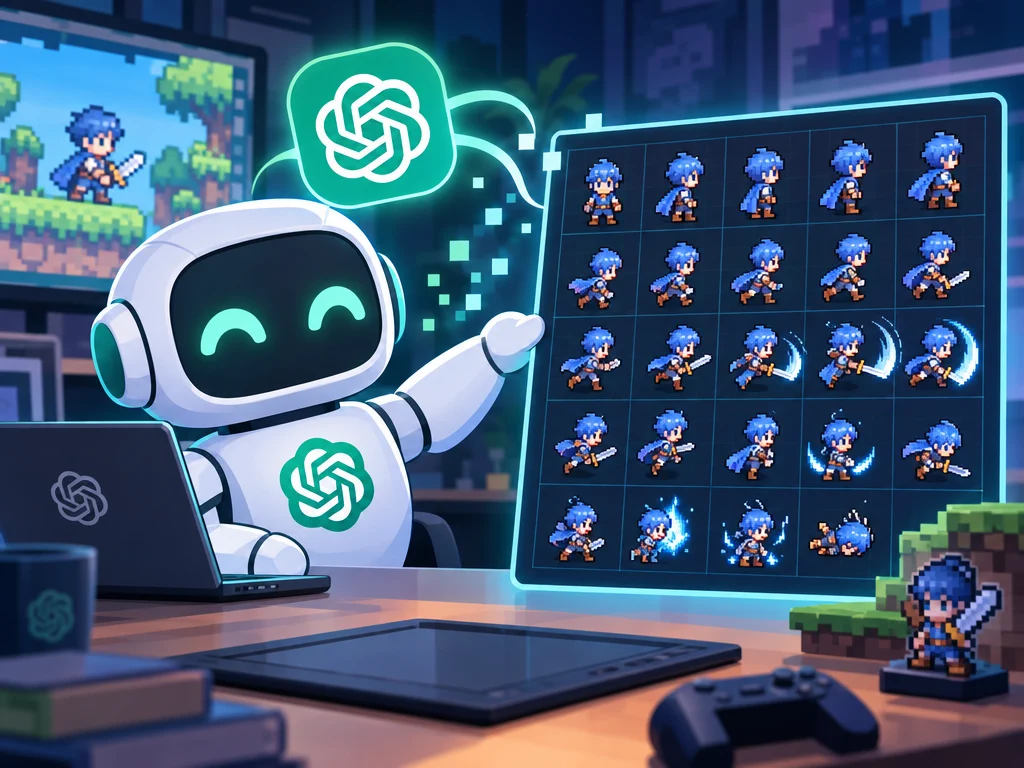
How to Make ChatGPT Image Sprites Usable for Game Development: Generation Is Easy, Later Maintenance Needs Professional Tools
TL;DR
A lot of people new to game development now start from a mainstream image model. ChatGPT Images 2.5 made that first sheet easier to get. GPT-Image-2.5 Flare and GPT-Image-2.5 Sunburst sit in the API for speed versus tighter edits. Some of those sheets look striking.
That first pass is a good generation tool. Codex is a good generation tool for code in the same way. After the first pass, Image 2.5 still needs later tools that can specify the next generation, keep doing maintenance-style generation, and deploy in sync with the code that already uses those frames.
Beginners are already generating this way
OpenAI shipped ChatGPT Images 2.5 on September 8, 2026. ChatGPT, ChatGPT Work, and Codex users got the consumer model. The API split into Flare for everyday speed and Sunburst when edit precision matters more.
New game projects often start here: write a prompt, get a character sheet, drop the PNG into Unity or Godot. The title image is the shape of that first hour. A grid of idle, walk, and attack frames arrives in one go.
The first pass is easy. The next passes are not
One prompt can produce a sheet that already looks like game art. Lighting and texture can look finished. What does not arrive with the PNG is the rest of the project.
The next holiday reskin stays in the same style. Swap one weapon on the same character, and proportion and size stay unchanged. Named cuts go into engine folders. After another generate, nodes and scripts still point at the original frames.
Using AI to generate sprite sheets already listed classification, structure, and metadata as friction. Image 2.5 raises the quality of the first bitmap. It does not close those later steps.
Codex already showed the same split
Unity’s official plugin for Codex writes current Unity code against an open editor. Having the plugin installed only says automated coding keeps getting smoother. Batch processing of generated art, and sync between that art and code logic, stay outside it.
Image 2.5 sits on the other side of the same line. What is strong is the plate that comes out. Specified later generation, maintenance-style generation, and deployment that stays in sync with code still sit outside the chat.
What later tools have to keep aligning with
The product name on the later tool does not matter much. VberAI Studio is the one this site keeps testing. Any later tool still has to keep lining up with a few scene-level goals.
Style has to stay one set. A second run cannot drift into a different palette, silhouette, or pixel size if the first sheet is already in the build.
Engine data and engine logic have to move together. Cuts land in Godot or Unity folders. Names, atlases, and animation players have to stay mapped after the next generate. MCP can read an open project; it still needs files that already match the node tree. See the Godot AI art workflow note.
One asset often needs a specified later generate. Swap a sword, add a blink frame, redraw only the UI coin. The rest of the sheet has to hold.
The original game’s generation context has to be inherited. Prompts, references, and constraints from the first pass have to travel with the asset, not live only in a chat scroll.
Sprite-format chores have to stay batch and stable. Grid split, alpha split, click-order unpack, PSD layer crop. Those jobs already have a local path on this site under Tools. The later stack has to keep those jobs boring and repeatable.
VberAI Studio covers parts of split, export, and engine-folder write-out. The goals above are still the alignment work, not a finished checklist.
Takeaway
A strong image model shortens the first sprite sheet. Game-ready art is the later passes: specified generation, maintenance-style generation, and sync with the code that already uses those frames.