Music / Song
Music / Song composes a track from a prompt. Open it from AIGC, then AI Audio. Create music is the default; a canvas image can be the reference. The result is a card on the board that plays, clips, and edits in place.
TL;DR: 6 steps
Music / Song writes a track from a text prompt and drops it on the canvas as a card. On the bottom toolbar, open AIGC, then AI Audio, then Music / Song. The panel starts on Create music. Video/animation music is the other mode, for a clip that already has pictures. A reference image is optional: Pick from canvas, click the plate, then write the prompt in Music description. The finished card can be played, clipped, and edited on the board.
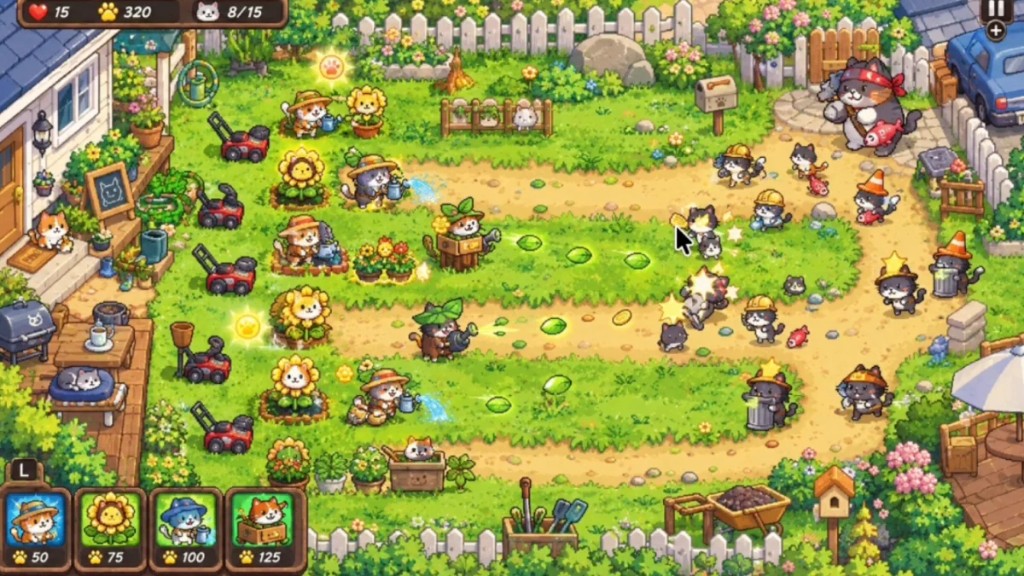
The plate in this walkthrough is a cat-garden scene.
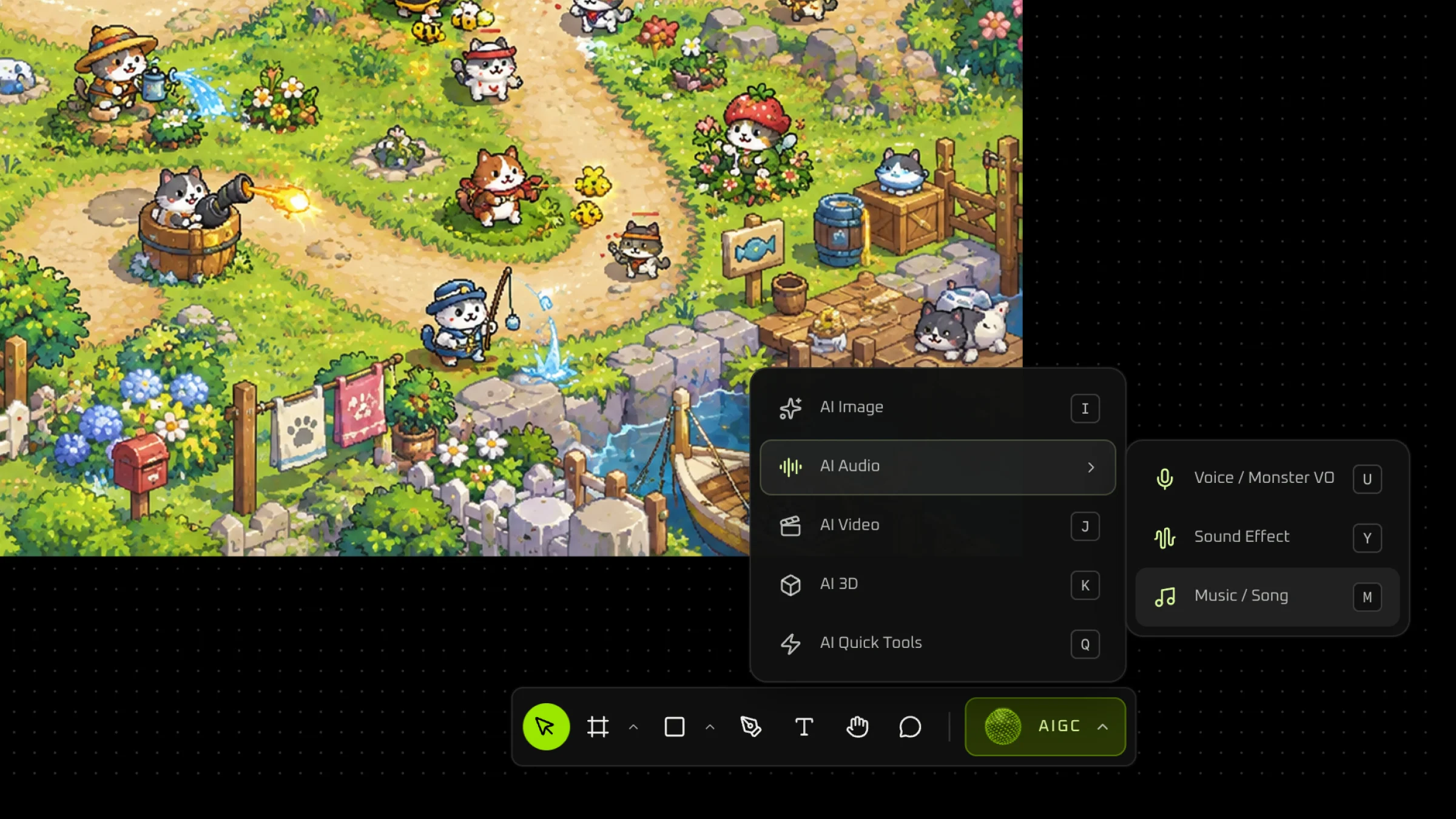
Step 1: Open Music / Song
On the bottom toolbar, open AIGC, then AI Audio, and choose Music / Song.
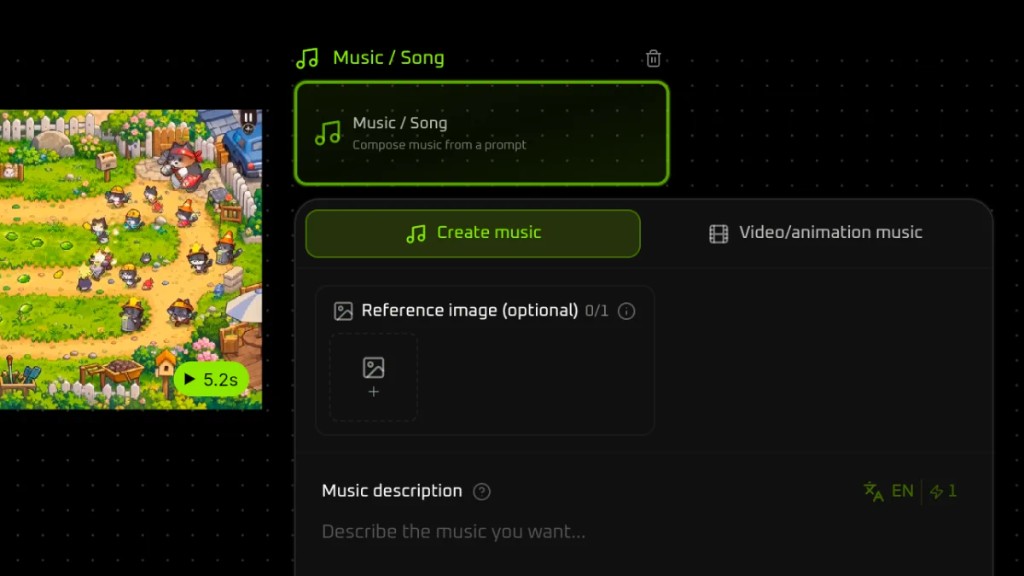
Step 2: Stay on Create music
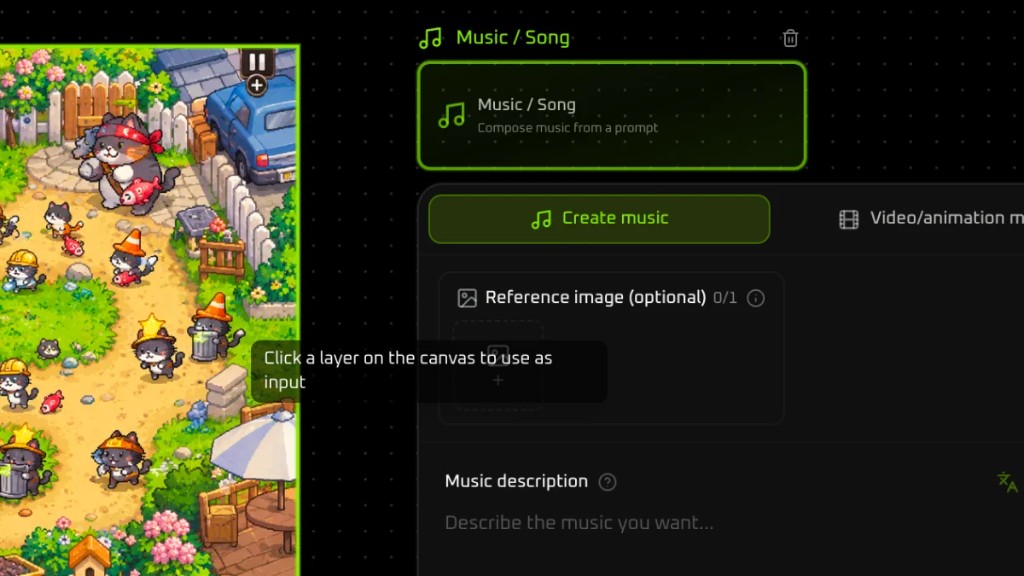
The panel is titled Music / Song. The line under the title reads “Compose music from a prompt”. Create music is already selected. Video/animation music sits beside it, for music that belongs to a video or an animation.
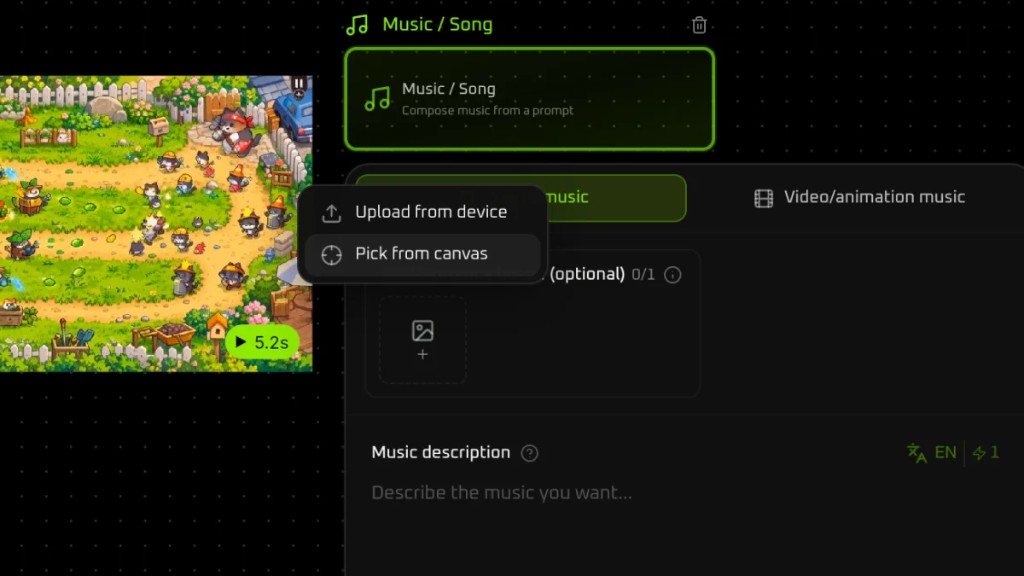
Step 3: Pick a reference from the canvas
Reference image is optional and starts empty. Click the add control. The menu lists Upload from device and Pick from canvas. This walkthrough uses Pick from canvas, so the reference is a layer already on the board.
Step 4: Click the layer
The pointer changes. The hint reads “Click a layer on the canvas to use as input”. Click the plate. It fills the reference slot.
Step 5: Write the music description
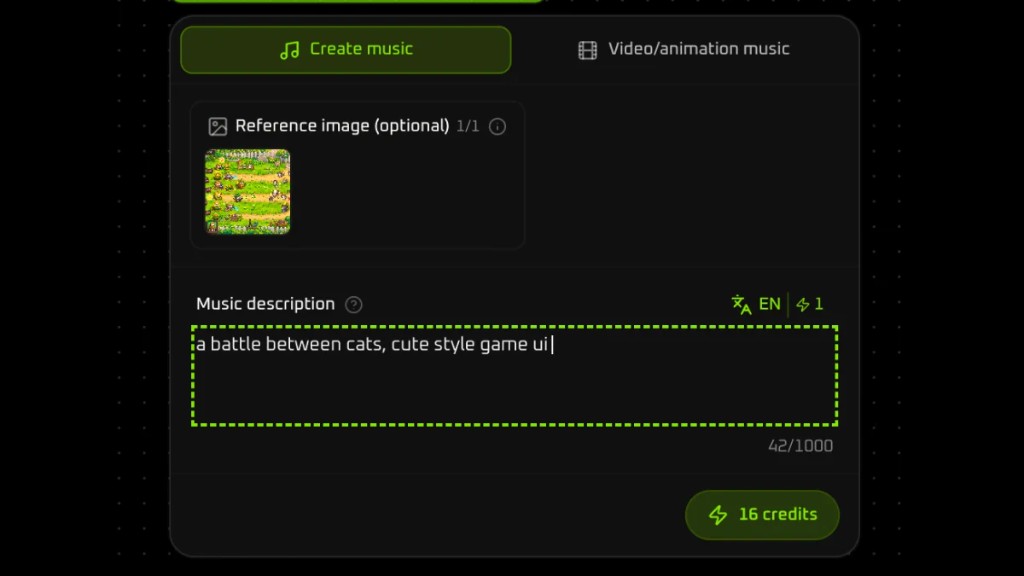
In Music description, write the track. This pass uses a battle between cats, cute style game ui.
Step 6: Play and edit the card
The track lands on the canvas as a card. This one is named Music 1.mp3, shows a duration of 2:58, and has a play control on the card. The toolbar above the card covers playback, clipping, and further edits.
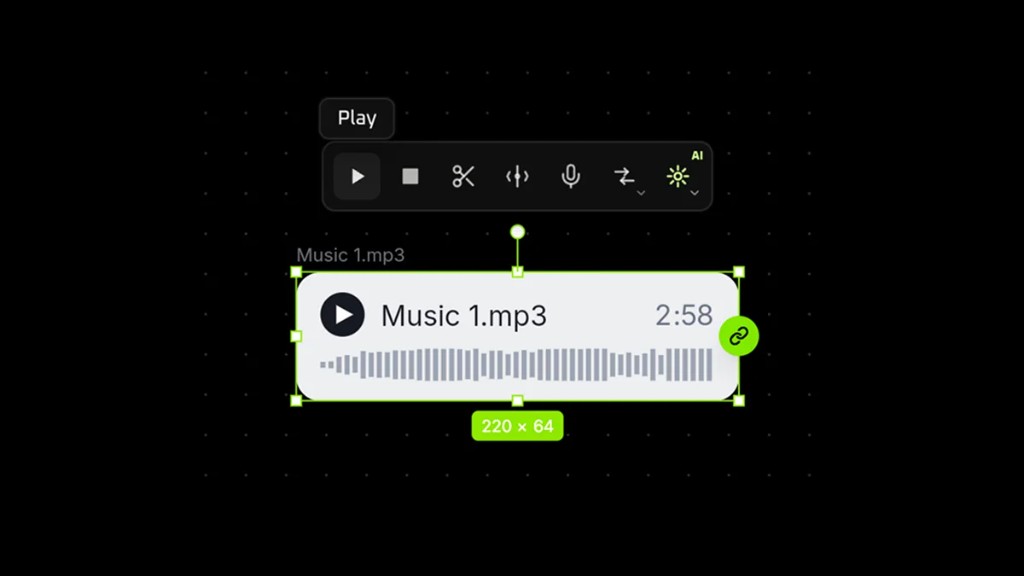
The file from this pass plays on the page.