Can Godot Fully Automate AI Development, and Can the Result Verify Itself?
TL;DR
Fully automatic development and verification on Godot is feasible when the coding agent and the running game share one machine. Cursor and Codex already work on a remote host. Godot Runtime Bridge plays the project on that host, returns the frame, and sends simulated clicks, so the next edit can come from the playtest. A public reply already says Codex has walked this through. Godot is the environment that loop fits. The frame it checks still needs the original layer context when the next change is the screen.
Play still waited on a person
Coding agents already write GDScript and edit .tscn files. The check after that edit was still a person: open the editor, press Play, watch, then describe what broke. Cursor and Codex can now do the work on a remote host. The project lives on that machine. If the only preview is a window on another desk, the agent finishes a change and stops. The playtest never enters the same context as the edit.
The same host can run the game and click it
Godot is cross-platform. The project language is GDScript. Scenes are text. A remote host that already runs Cursor or Codex can run Godot on the same machine.
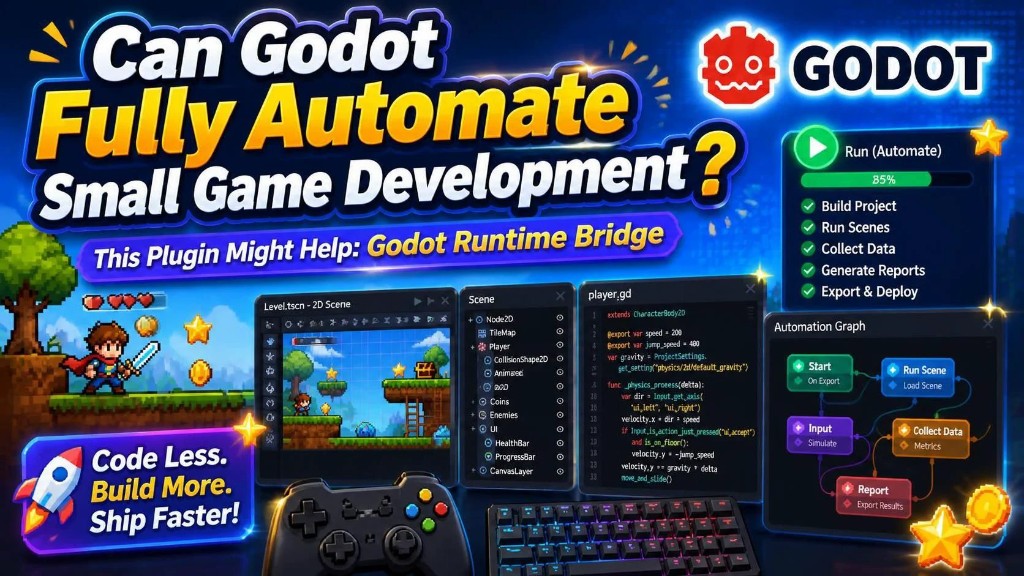
Godot Runtime Bridge connects the agent to the running game. The short demo shows a playthrough where the agent finds a problem, changes the project, and checks again. The bridge stays on the machine where the game runs. On a remote host, that machine is the agent’s machine. The agent launches the game, reads the frame, sends clicks, and writes the next change. Development, the test, and the revision from that test sit on one host.
After this loop was described in public, a reply said Codex had already walked the same path: the agent works on the host, the game runs there, and the result comes back as the next edit. Between passes, a person does not have to press Play.
This is the environment AI First verification needs
Unity MCP already writes into an open editor. Godot adds the runtime on the same remote host: the game plays, the frame returns, and simulated clicks drive the next pass. A cross-platform engine, GDScript, and Godot Runtime Bridge are what make that pass local to the agent. A thinner shelf of editor plugins used to read as a thinner ecosystem than Unity. For AI First, the host loop is the check that matters, and that loop lines up on Godot.
The verified frame still has to match layers
The loop can confirm a script. A click lands, a value changes, a crash shows up in the log. A screen is the next check. The agent can see a button in the wrong place. When that screen is still one plate, or the cuts no longer share names and positions with the nodes, the next art pass does not land on the nodes the script just fixed.
Godot AI art workflow already watches that gap after generation. Figma to Godot importers are one-way covers it from the design file: one import writes a snapshot, and that snapshot is not what a later generation reads.
The screen stays rebuildable in VberAI Studio. Layer names, positions, and which piece is clickable are written into the Godot project folders with the files. When the screen changes, export again. Nodes can still line up. The open scene and scripts still go to the coding tool through Godot MCP. Godot Runtime Bridge then plays that project on the host. The automatic loop verifies a game whose layers are still the ones the export wrote. Design-file steps: Figma to Godot.
Godot Runtime Bridge covers play, the frame, and simulated input. It does not write layer context back into the project. VberAI Studio covers that export. The host loop and the art export have to run on the same layer names, or the next pass verifies a screen the project can no longer rebuild.
Takeaway
Fully automatic development and verification is feasible on Godot. Put the project on the remote host with Cursor or Codex, run it through Godot Runtime Bridge, and let the agent click and revise. Keep the art export on the same layer context, so the frame that comes back still maps to the nodes.