How to connect Codex to Unity
TL;DR
Official plugin page: Unity Plugin in Codex. The current release is 0.1.6-beta.
Codex is the AI coding tool OpenAI ships inside the ChatGPT app. To connect Codex to Unity, use two channels that do different jobs. The official plugin, unity-agent-plugin at 0.1.6-beta, ships Skills that point Codex at current Unity practice. Unity MCP reads the open editor while a session runs, so a tool call can match the project in front of it. Skills are the map. The live channel is the signal.
What Codex is
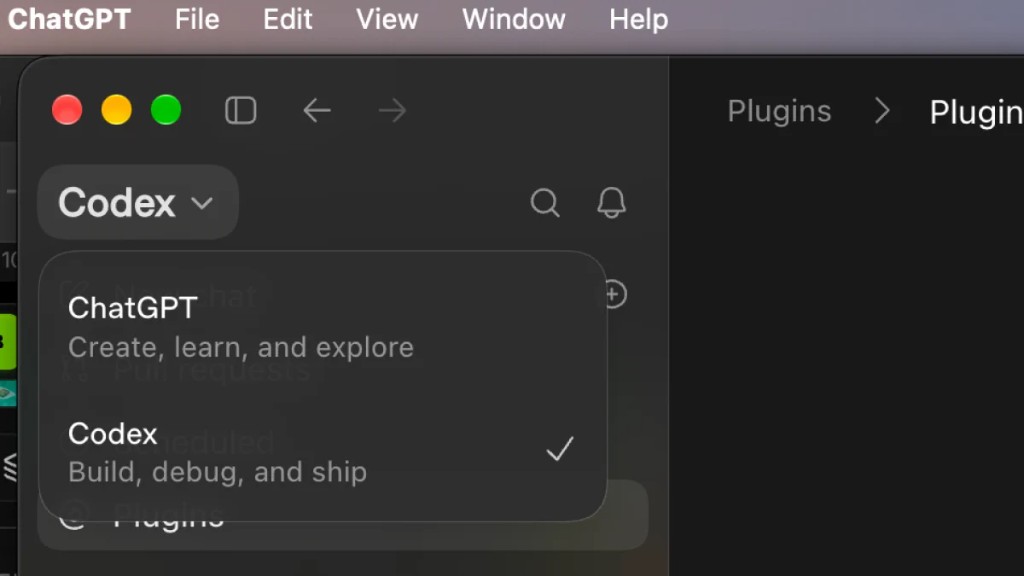
Codex is the AI coding tool OpenAI ships inside the ChatGPT app. From ChatGPT you switch into Codex mode. It can add a feature, patch a bug, or answer a question about a script. On its own it still answers from training data. A Unity project changes underneath that: scenes, packages, and the Editor version. Connecting Codex to Unity means giving it a current map and a live read of the open project, so the session stops depending on copy and paste.
Two ways to connect
Plugin: Skills as the map
Unity publishes Unity Plugin for Codex. The directory entry is Unity on the Codex plugin page. The current release is 0.1.6-beta. Install, approve the connection in an open Unity 6 editor, then call a Skill by name. The Skill list and what each one fits: A detailed introduction to Unity Skills in Codex. Install steps: Unity Plugin for Codex.
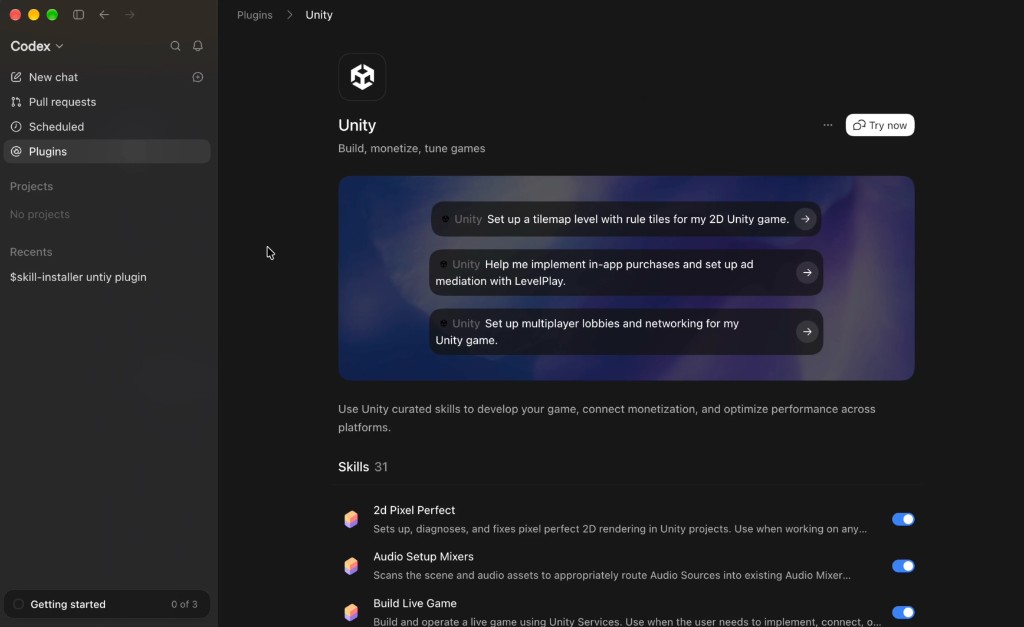
A Skill is written guidance for one Unity job: which API to use, which checks to run, what “done” looks like. That is the navigation. Codex spends less of the prompt reconstructing an API that forum posts still describe for older editors.
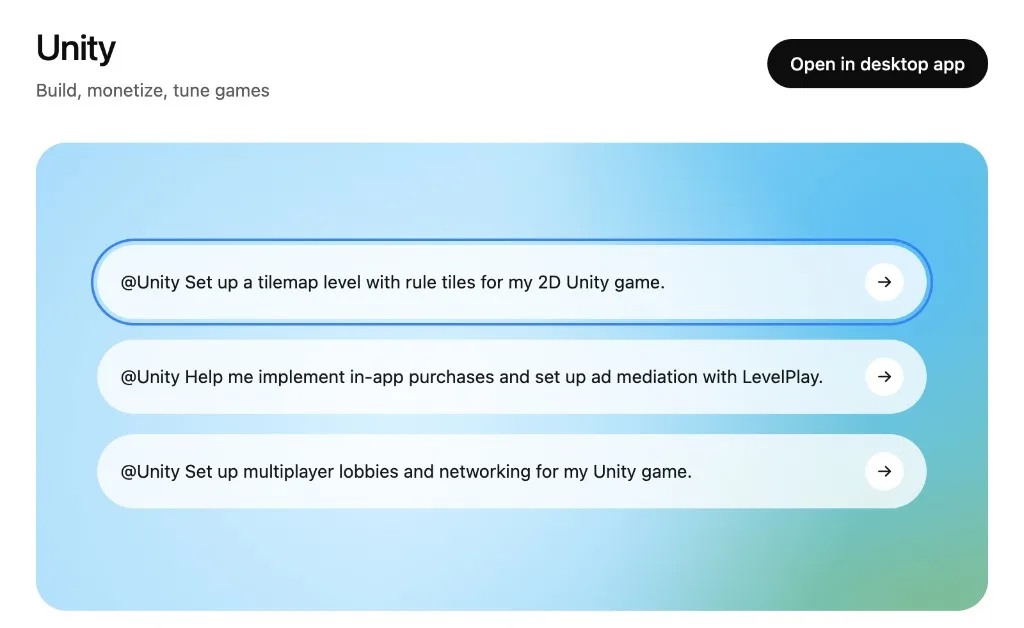
To call Unity Skills in Codex, the official step is to type @Unity. Codex reads that line, analyzes it, and calls the matching Skill.
MCP: a live read of the editor
MCP is the channel that carries the open editor into the coding session. Unity MCP from VberAI keeps a local server next to the Editor. With the server Running, Codex can read scenes, objects, and console output on that project instead of guessing from a pasted script. Setup: Unity MCP. How the channel works: How MCP Connects AI Coding Tools to Game Engines.
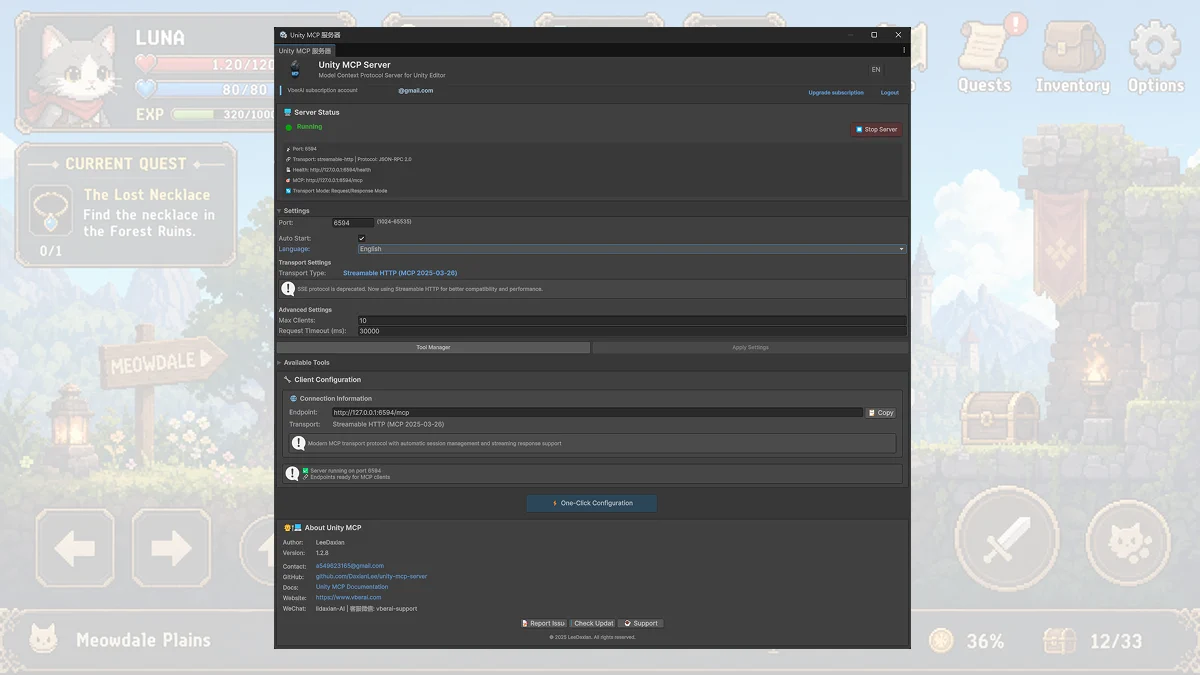
The official plugin also approves Unity’s own MCP Bridge inside Edit → Project Settings → AI → Unity MCP. That Bridge and VberAI’s Unity MCP are both local. They are not the same window. Skills tell Codex which practice to follow. The live channel tells it what this editor is doing right now.
The friction this removes
Without the plugin and without MCP, a code change means copying text back and forth between the Unity Editor and the chat. If the prompt is missing a package name or a scene name, Play in the Editor reports an error. The next prompt has to paste those names again. After the plugin is installed, current API practice is already written in the Skills. After MCP is connected, a tool call can read the project that is already open.
Limits
2D pixel lines up with the Skills that ship for it. 2d-pixel-perfect, sprite editing, atlases, and tilemaps are written for that kind of project. 3D work has fewer Skills at the same density. URP and Shader Graph are on the list. A full 3D scene still needs more hand direction than a pixel camera and a tile palette.
The official plugin targets Unity 6 or later. Older Editor APIs get less of that guidance. A project still on an earlier major version will see Codex fall back to older examples more often.
Both tools raise how fast code gets written. They do not finish every scene. The model still has to choose, and a wrong Skill or a stale description still produces code that does not belong in the project.
What it costs
The official plugin is free to install from the Codex directory. Unity MCP from VberAI is not free. Versions and licenses are on vberai.com/game-engines/unity.
Plugin, MCP, and Unity CLI
Unity CLI is a terminal interface: install Editors, open projects, manage packages and licenses, run builds and tests, read logs. A person can run it. An agent can run it. It does not tell Codex how a Unity job is meant to be done.
The plugin is the Codex-side integration. Skills are the instructions. One of them, unity-cli, teaches Codex how to drive the CLI. Installing the plugin does not replace the CLI.
MCP is the live transport during coding. Unity ships one Bridge with the official plugin. A third party can ship another. Unity MCP from VberAI is that server. The CLI speeds up commands. The plugin supplies the map. MCP keeps the session synced to the open editor.