Auto Split
Split a sprite sheet into individual pieces locally—no credits—then export or drag each piece for further work.
TL;DR: 2 steps
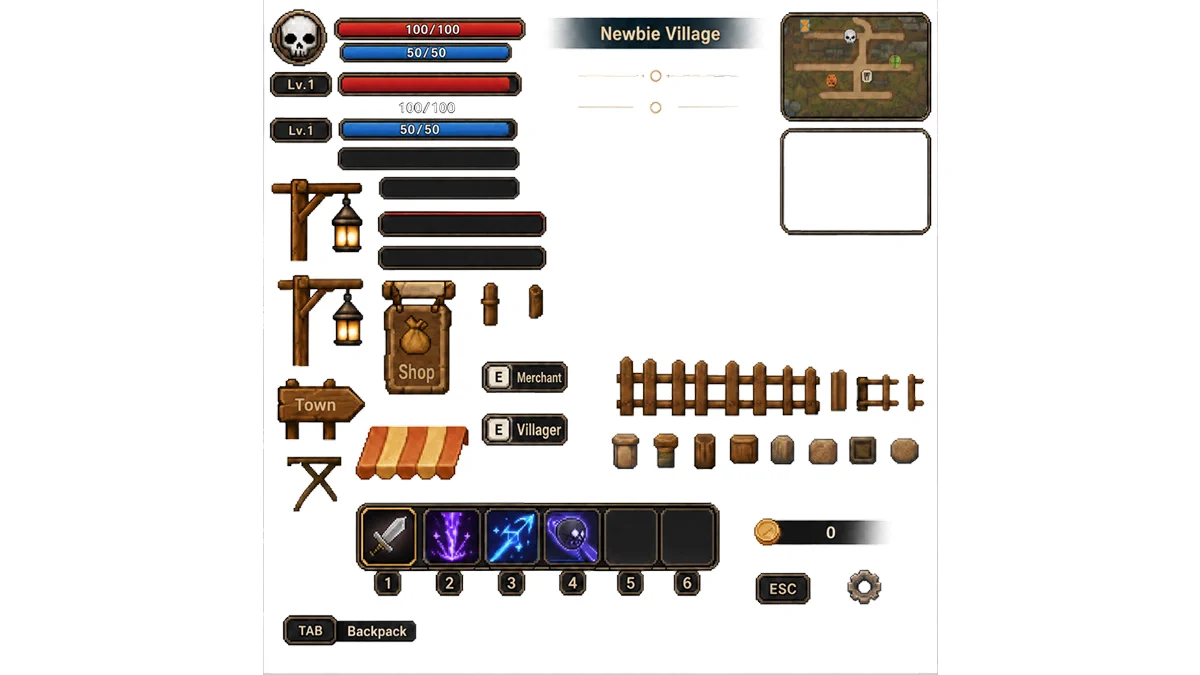
Auto Split fits sprite sheets that already have clear gaps between pieces and need a fast local cut into separate bitmaps. The pass does not consume credits: it runs on-device, then each piece can be exported or dragged into later steps on its own.
Names follow the source sprite sheet with a serialized suffix. Because the cut is geometric rather than model-labeled, those names stay automated and uninformative—rename after export when readability matters.
Step 1: Open Image Split — Auto Split
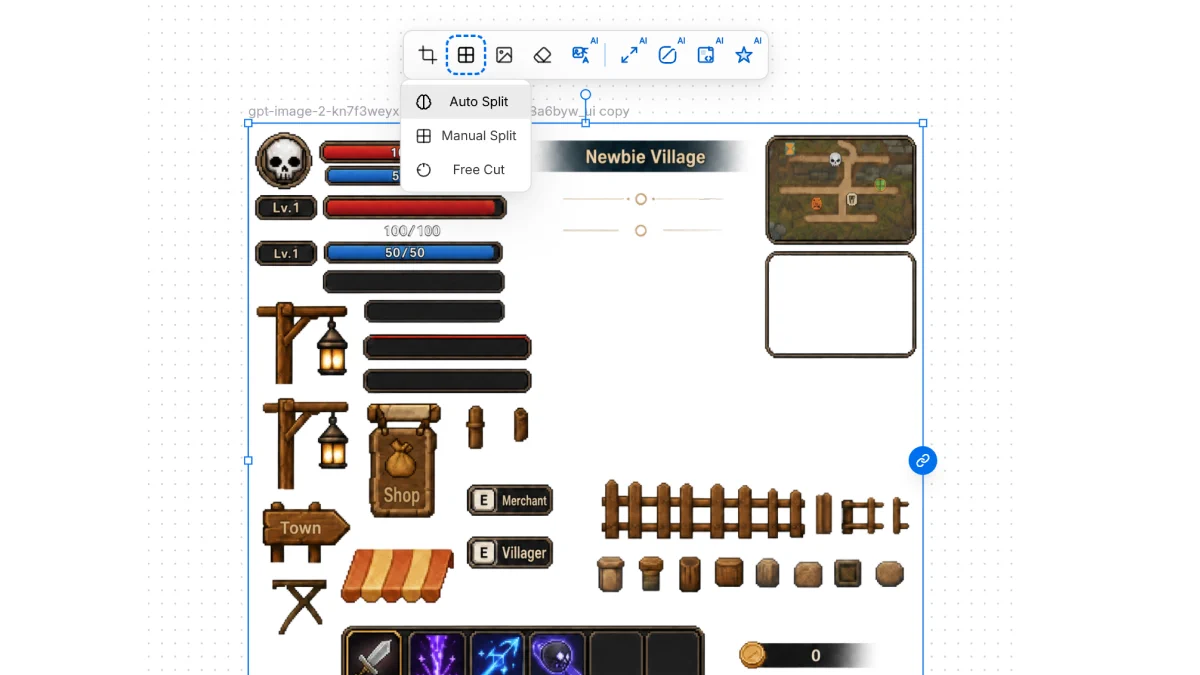
Select the sprite sheet on the canvas. In the selection toolbar, open Image Split, then choose Auto Split.
Step 2: Review the split pieces
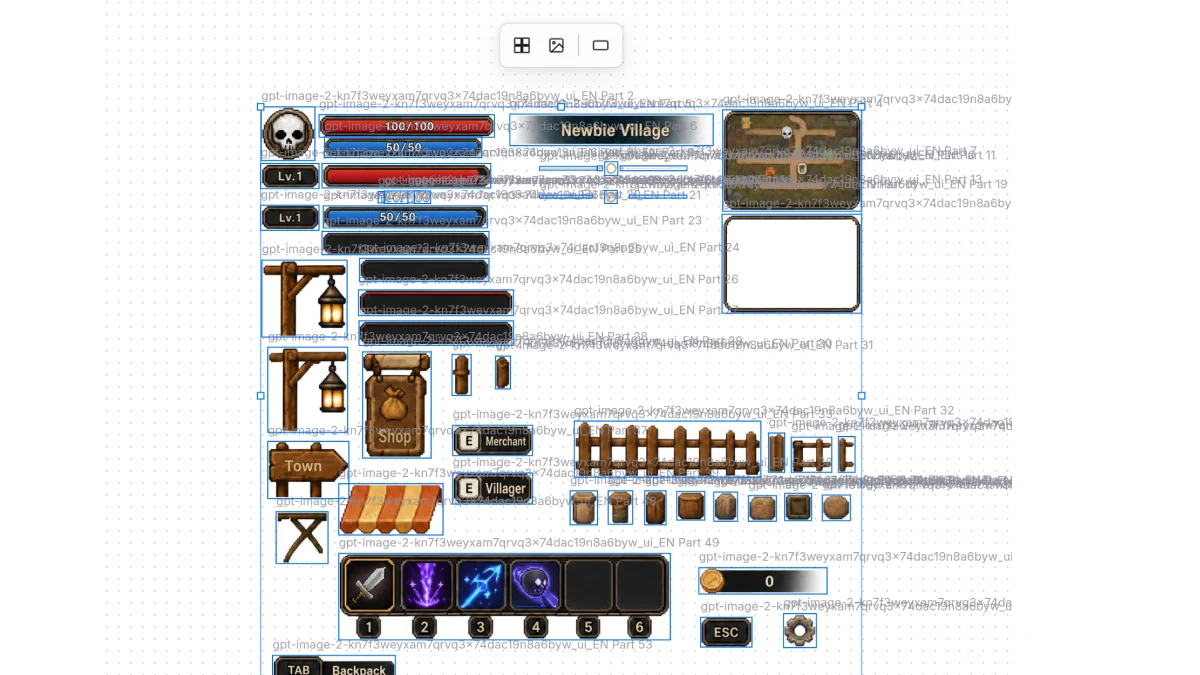
Auto Split detects separate regions and cuts them into individual images. Each piece keeps the sprite sheet’s base name plus a sequence suffix (for example … Part 26), ready for export or drag-and-drop into further processing.
Use Auto Split when speed and credit cost matter more than semantic filenames. For readable labels or tighter boundary control, plan a rename pass—or use a manual split path—before locking assets into the engine.
For a browser-only cut that never leaves the device, try the local Sprite Auto Split Extractor.